 BLACKLIST
Your CRM holds the data.
BLACKLIST tells you what matters.
Leads, conversations, and activity are already there. BLACKLIST brings the important signals into focus so your team knows where to spend its time.
How it works
Connect your CRM
Connect a supported CRM to bring your lead information into BLACKLIST.
Understand your opportunities
Review lead priorities, scoring, and the signals behind them.
Take the next step
Use recommended actions to focus your team's attention.
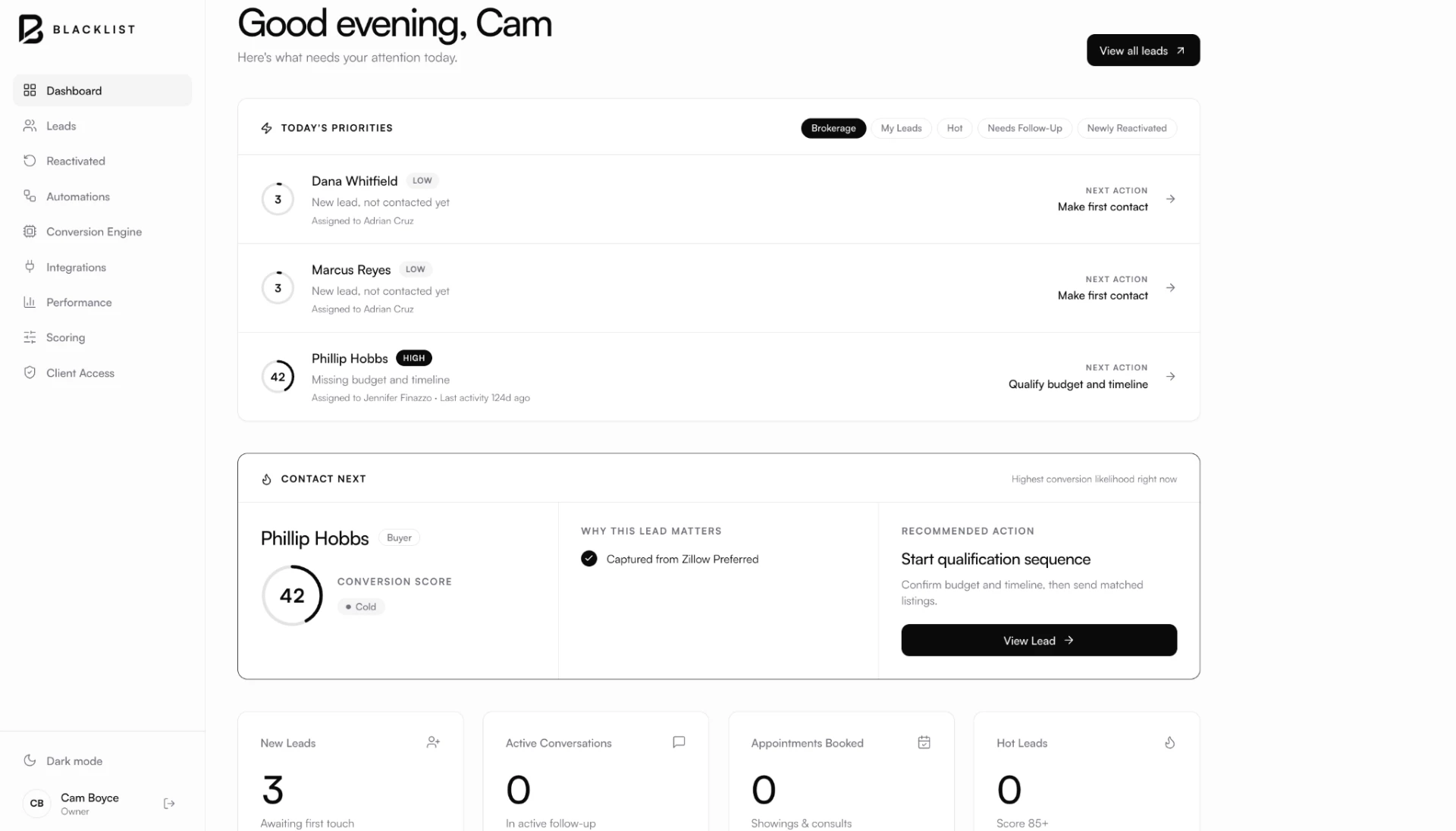
Lead intelligence
Not every lead needs the same attention.
See which opportunities deserve a closer look, understand their priority, and identify the next step — at a glance.
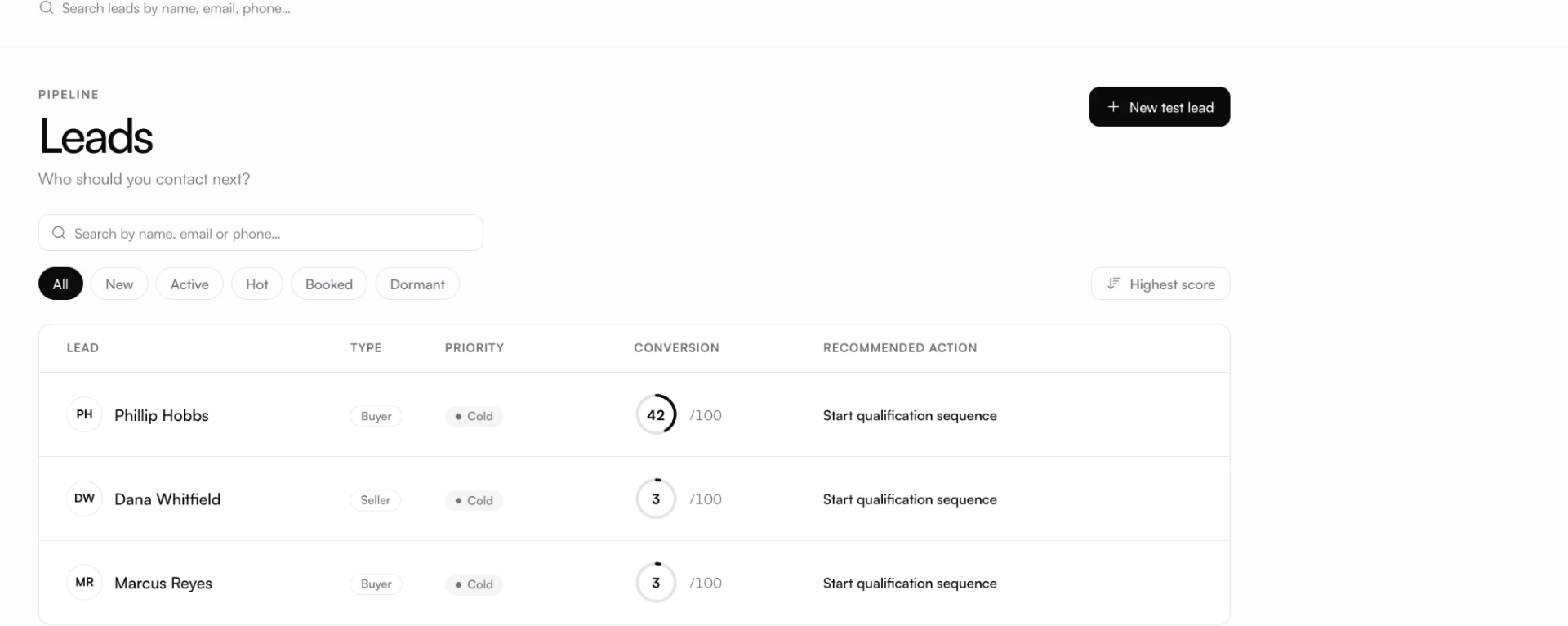
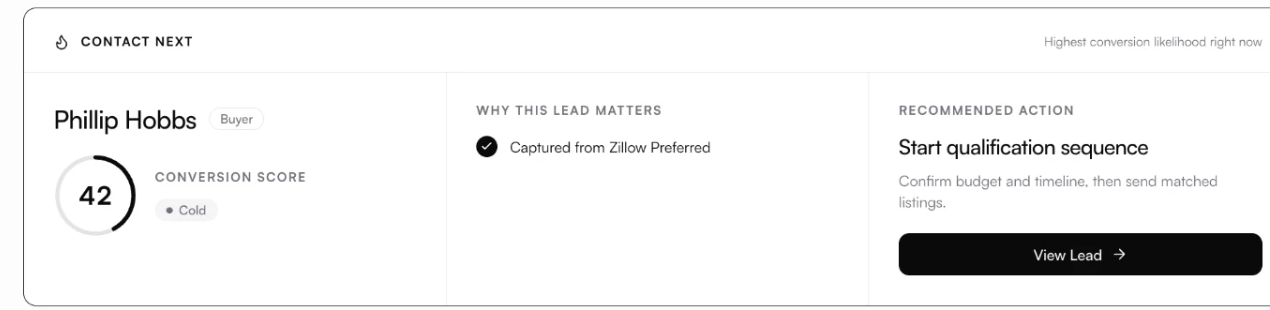
Less guessing. More doing.
BLACKLIST helps turn lead information into clear priorities and recommended actions — so the next move is always obvious.
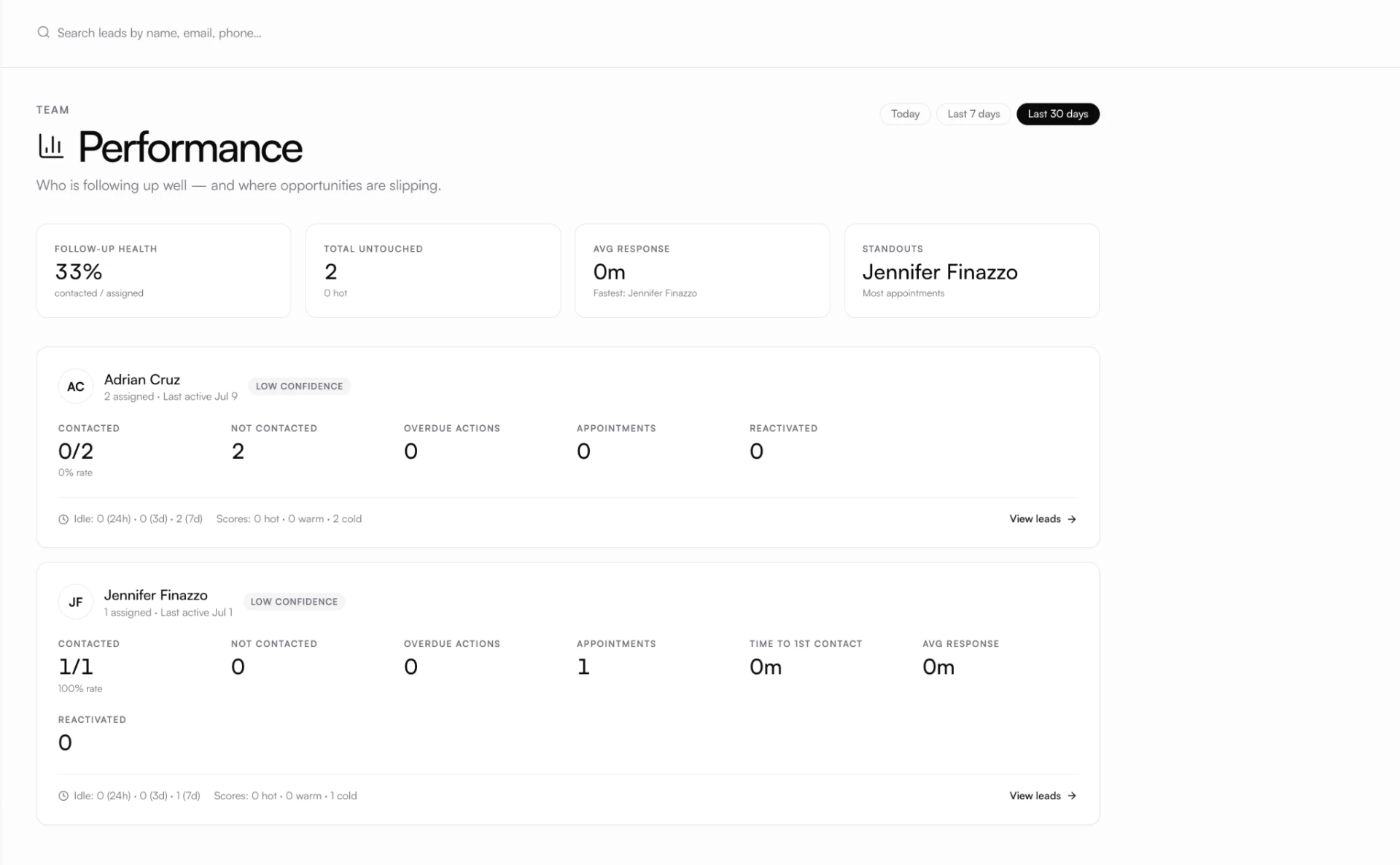
Brokerage visibility
Know where your team stands.
See who's following up, where leads are going untouched, and which opportunities need your team's attention.
AI Deal Desk — Early Access
Your AI assistant, right inside Follow Up Boss.
BLACKLIST's AI Deal Desk is designed to help real estate professionals get AI-generated guidance without leaving their CRM. Use supported commands in internal Follow Up Boss notes to request assistance with lead conversations, follow-up ideas, and deal-related questions.
Ask Questions in Your CRM
Use internal Follow Up Boss notes to request AI assistance through simple commands.
Get Suggested Next Steps
Receive AI-generated suggestions for follow-ups, conversations, and deal situations.
Keep Assistance Internal
Responses appear as internal CRM notes, allowing agents to review the guidance before deciding what action to take.
Follow Up Boss — Internal Note
Conceptual previewAgent note
/dealdesk This lead viewed listings 3 times this week but stopped replying. What should I try next?
AI Deal Desk — internal response
Suggested next steps for your review:
- Send a short, low-pressure check-in referencing the listings they viewed.
- Offer one new listing that matches their recent activity.
- If there's no reply within a few days, try a brief call instead of another email.
Illustrative concept only — not a live product screenshot. Currently in development and controlled testing. Not yet generally available.
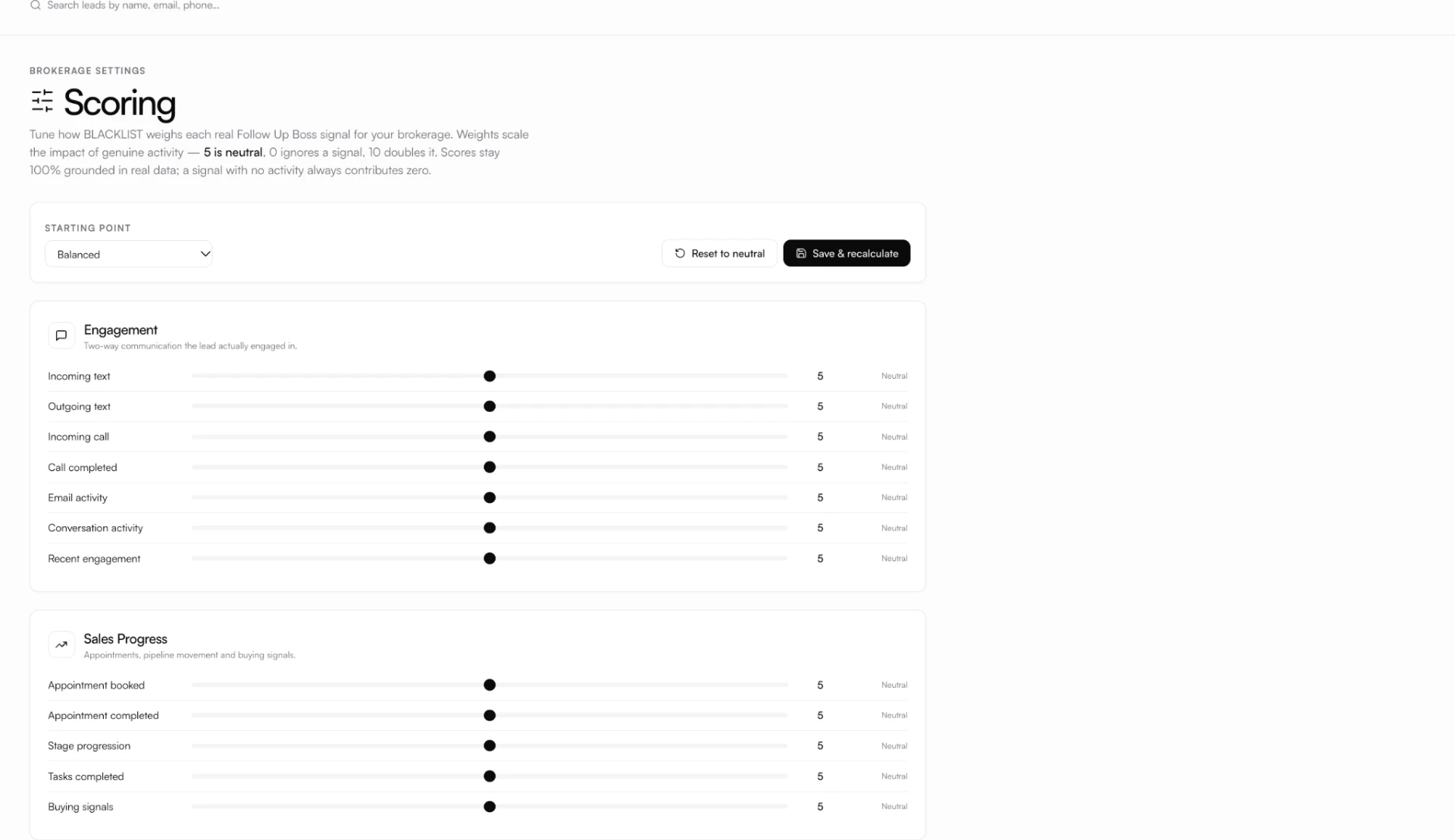
Customizable scoring
Intelligence built around your business.
Adjust how leads are evaluated so priorities reflect what matters to your brokerage.
Your next opportunity is already in your CRM.
See how BLACKLIST can help your team find it.